Go2 Navigation Overview
The Go2 navigation stack uses a simple column-carving voxel map strategy: each new LiDAR frame replaces the corresponding region of the global map entirely, ensuring the map always reflects the latest observations. Map live as you drive, or return to a known space using a saved premap and relocalization.
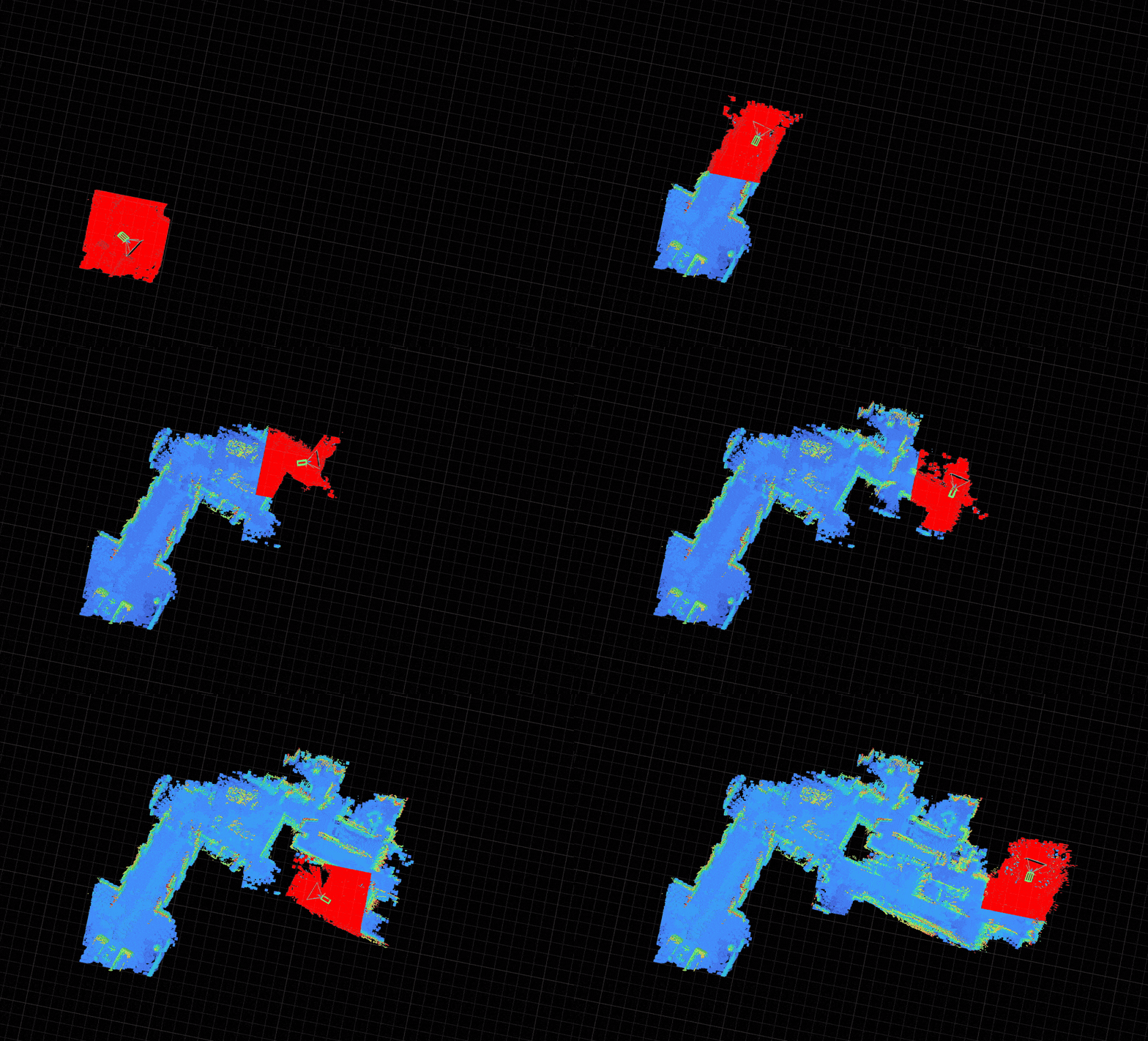
go2
| Workflow | When to use | Blueprint | Docs |
|---|---|---|---|
| Live mapping | Explore a new space, closing loops live to correct drift | unitree-go2 | Navigation deep dive |
| Permanent map | Return to a known space, relocalize and keep the map up to date | unitree-go2-map | Go2 mapping and relocalization |
unitree-go2 closes loops live with pose-graph optimization (PGO). unitree-go2-map also keeps a map across runs, relocalizing against it and saving what it learns.
For hardware setup, simulation, and the full blueprint list, see the Go2 platform guide.
Generic
| Workflow | When to use | Blueprint | Docs |
|---|---|---|---|
| Simulation, no robot | Run the raycaster and planner against a photoreal scan of a real house | habitat-nav | Habitat |